
Apple Promotional Offer Signature
Apple Promotional Offer Signature Generator
This tool allows you to generate a promotional offer signature for testing. A signature is required for a promotional offers during the purchase of In App subscription via StoreKit..
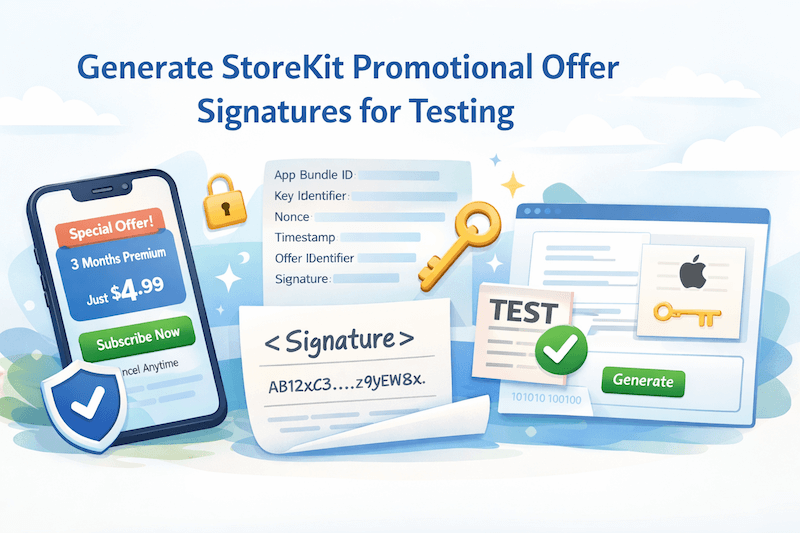
NB: This tool works within a browser locally and does not sync keys. You can always revoke your keys from App Store Connect. Server side is required to get the additional parameters mainly because adding your private key inside your app's bundle isn't a good idea.
Usage
How to use
This tool is utilising the logic from the sample project provided by Apple Here. For purchasing promotional offers developer needs some additional parameters to pass in before adding it in the payment queue. See example below.
StoreKit 1
swift
let discount = SKPaymentDiscount(identifier: offerIdentifier,keyIdentifier: keyIDentifier,nonce: UUID(uuidString: nonce),signature: signature,timestamp: NSNumber(value: timeStamp))payment.paymentDiscount = discountSKPaymentQueue.default().add(payment)
StoreKit 2
swift
private func getOfferDetails(offerId: String,productId: String) async throws -> Product.PurchaseOption {try await withCheckedThrowingContinuation { continuation inIMPPackagesAPI.getOfferDetails(offerID: offerId,productId: productId) { result inswitch result {case .success(let response):guard let offerData = response.data,let nonce = UUID(uuidString: offerData.nonce),let signature = Data(base64Encoded: offerData.signature) else {continuation.resume(throwing: NSError(domain: "OfferDataMissing", code: -1))return false}let offerId = offerData.offerIdentifierlet keyId = offerData.keyIDentifierlet timestamp = Int(offerData.timeStamp)let offer = Product.PurchaseOption.promotionalOffer(offerID: offerId,keyID: keyId,nonce: nonce,signature: signature,timestamp: timestamp)continuation.resume(returning: offer)return truecase .failure(let error):continuation.resume(throwing: error)return false}}}}
Here is how you purchase the product with the offer
swift
var options: [Product.PurchaseOption] = []if let offerId {let offer = try? await getOfferDetails(offerId: offerId, productId: productId)if let offer {options.append(offer)}}let result = try await product.purchase(options: Set(options))
Learn More
More Information
See Apple promotional offer signature generator in action and learn how it works.

